The short answer
Yes. Calm, and most relaxation apps worth using, let you download tracks for offline playback, but only within the paid tier, and only for tracks you've selected in advance. There isn't an app on the market, including ours, where you can stream the entire library with no connection at all. You download what you want before you need it, then it sits on your phone like any other saved file, playable in airplane mode, on a train through a tunnel, or at 2am when your router has switched off for the night.
That last detail matters more than people think, and it's really the reason this question gets typed into Google so often. It isn't about flights. It's about sleep.
Why offline mode matters more than it sounds
A lot of sleep advice tells you to put your phone in airplane mode overnight, or to turn your home wifi off entirely, because a phone constantly pinging for a signal is a phone that's still half-awake, and so are you, subconsciously. That's sound advice. The problem is that most streaming audio dies the second the connection drops. You've done the responsible thing, killed the wifi, and now the ocean sounds you were relying on to fall asleep cut out mid-track.
Offline downloads solve exactly this. You get the same track, same 60-70 bpm pad you'd have streamed, but it plays from storage rather than a server, so the phone can sit in airplane mode all night without interruption. If you've read our piece on the best music for sleep, you'll know tempo and instrumentation matter for winding the body down. None of that helps if the track stops working the moment you do the one thing sleep hygiene actually recommends.
What "offline" usually does not include
Here's where most articles on this get vague, and where people get caught out. Downloading a track doesn't always mean the whole experience travels with it. Some apps let you save the audio but not the visuals, or the audio but not a guided voice layer, or they cap how many downloads you can hold at once and quietly delete the oldest ones to make room. Read the fine print on your subscription, because "offline access" is doing a lot of work in most marketing copy and not all of it is equal.
The other thing people assume, wrongly, is that offline mode means lower quality. It usually doesn't. You're downloading the same file you'd stream, not a compressed backup version. The tradeoff isn't quality, it's flexibility. You have to think ahead and choose your tracks before you lose signal, rather than browsing freely once you're already offline.
How My Zen Zone handles downloads
In our app, any track in the library, sleep, focus, meditation or the ambient sound library, can be downloaded to your phone once you're subscribed. That download includes the full mixer state too, not just a flattened audio file. If you've built a combination of rain, a low drone and a distant thunder layer, each sitting at a different volume, that whole mix comes with you offline, not just a single locked-in recording.
That's worth pausing on, because it's the part most other apps don't do at all. Most competitors give you one offline file per track. We let you save your own balance of sounds, the one you actually built for your own ears, and take that offline exactly as you set it.
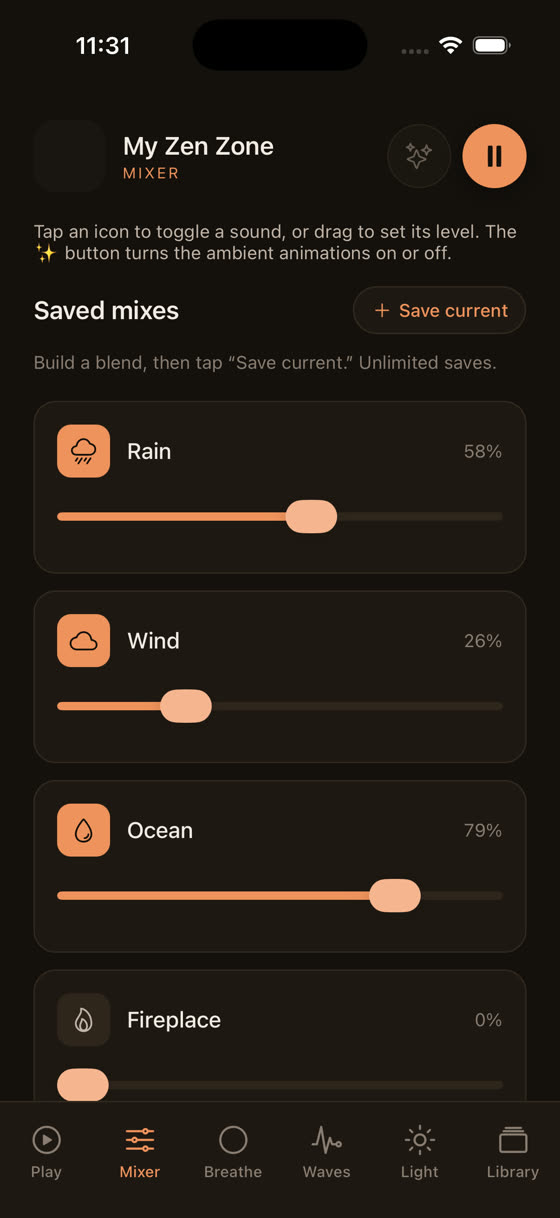
The same applies to guided sessions. A guided meditation in our library isn't a single audio file with a voice baked into the music. It's separate Voice, Music and nature layers, each with its own level, and that structure survives the download too.
The specific case of sleep: wifi off, phone face down
If you're using this for sleep specifically, here's the practical version. Download two or three tracks before bed, not fifty. Pick something around the 55-65 bpm range if you want the body settling toward a resting heart rate, or a plain low drone if melody keeps your mind too engaged. Set the sleep timer so it fades out rather than looping all night, put the phone in airplane mode, and you've removed the one thing that usually breaks this routine: a dropped connection at 1am that either cuts the sound dead or, worse, wakes you enough to notice.
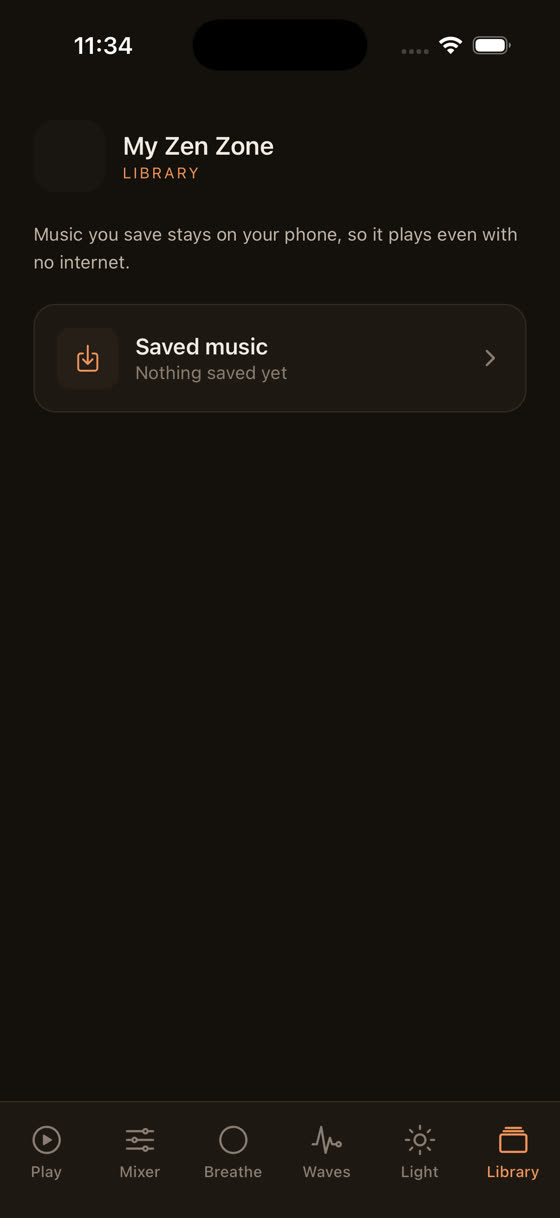
The winding-down screen works the same way offline, since it's just visual and doesn't need a server at all. It's one of the few parts of any relaxation app that was never going to need a connection in the first place.
Focus and study without a signal
Offline matters just as much during the day as it does at night, and it gets less attention. Libraries, basements, old buildings, long train journeys, exam halls where phones have to go into a locked mode with no data at all. If you use ambient music for concentration, the worst moment for a track to buffer is exactly when you've finally settled into a stretch of focused work. We've written more on this in music for focus and study, and the offline point comes up there too: a downloaded 45-minute focus track, at a steady, low-variation tempo with no sudden dynamic swings, will get you through a exam hall or a flight with no wifi far better than anything relying on a live stream.
Storage, battery and being selective
Our library runs into the hundreds of tracks and grows every two weeks, so downloading everything isn't realistic, and isn't necessary. A single ambient track is usually a few megabytes, not gigabytes, so storage isn't the constraint most people worry it'll be. The real skill is choosing three or four tracks that cover your actual situations, one for sleep, one for focus, maybe one guided session, rather than hoarding downloads you'll never open.
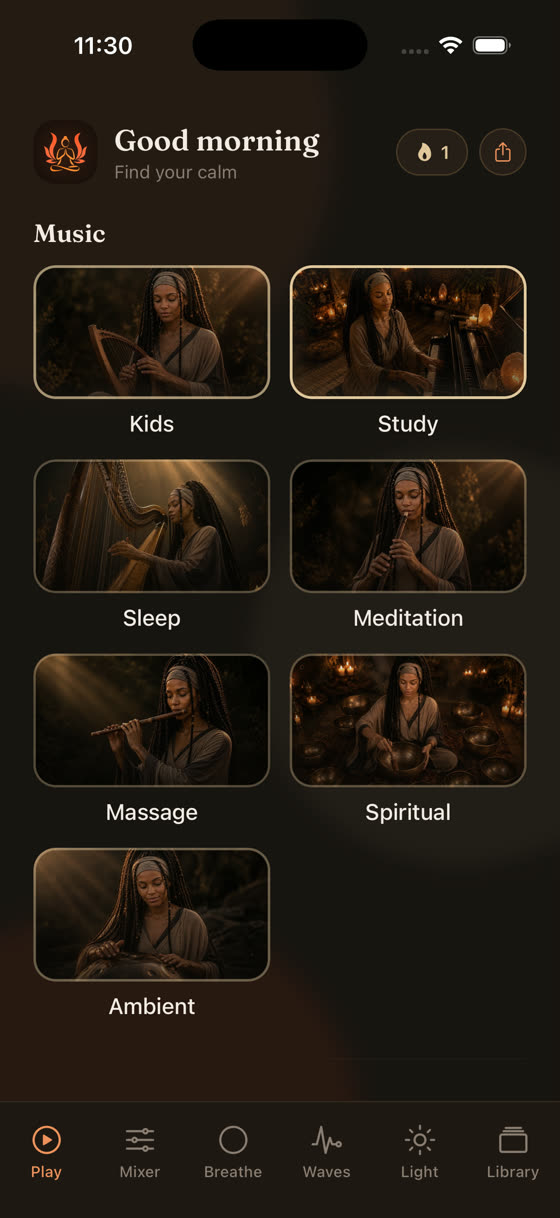
Battery is a smaller concern than people expect too. Playing a downloaded file uses less power than streaming, since the phone isn't spending energy on a radio connection searching for signal. If anything, offline mode is the more battery-friendly option, which is one more reason it's worth setting up before you actually need it rather than fumbling with downloads at midnight with 4% left.
What to do tonight
Open the app while you've still got wifi, download two sleep tracks and one guided session, and try it once with the phone properly in airplane mode rather than just "do not disturb". Notice whether the sound holds all the way through until the timer ends. That's really the whole test. If you want to see the full range of what's available before committing to a subscription, the app is free to browse, and the offline downloads are part of every paid tier, not a separate add-on you have to hunt for.
Common questions
Do I need a subscription to download tracks for offline use?
Yes, in nearly every relaxation app including ours, offline downloads are a subscriber feature, not part of the free tier. The free version is generally for streaming previews only. Once subscribed, downloading is unlimited within your storage, and includes the full library, not a restricted offline-only selection.
Will a downloaded track still work if I reopen the app after months?
Usually yes, as long as your subscription is still active when you open the app to check. Some apps periodically verify your subscription status online, so a fully offline phone for weeks at a time might eventually need one brief connection to confirm access, even though the playback itself doesn't need a signal.
Can I download the guided meditations with the music, or just the voice?
In our app you download the whole session, meaning the Voice, Music and nature layers all come with you, still adjustable independently offline. Many other apps only save a single mixed file, so you lose the ability to turn the voice down and leave just the music playing, which is the more useful mode for actually falling asleep.
Does offline mode work the same on the browser version as on the phone app?
No. Downloads for offline playback are a phone and tablet feature, tied to local storage on the device. The browser version, unlocked with a subscription, needs an active connection since it streams rather than storing files locally. For genuinely offline use, download tracks through the phone app before you lose signal.